Lecture 01

E21 Computer Engineering Fundamentals

Prof. Emad Masroor

September 1, 2026

Introductions - Prof. Masroor

  • Prof. Emad Masroor
    • B.S. Mechanical Engineering, Cornell University 2017
    • Ph.D. Engineering Mechanics, Virginia Tech 2023
      • Thesis: Vortex Dynamics in the Laminar Wakes of Bluff Bodies
    • Visiting Assistant Professor at Swarthmore College since Fall 2023
    • Research interests broadly in Fluid Dynamics:
      • theoretical studies of vortex dynamics
      • experimental studies of wind-induced vibrations
      • numerical studies of fish locomotion

Introductions - Prof. Masroor

  • Outside of work, I …
    • live in Philadelphia
    • read about philosophy, history, science + enjoy literature
    • take piano lessons
    • travel (32/50 states) and take photographs
    • hike & backpack, esp. Appalachian Trail

Introductions - Students

  • Name, major, year
  • Hometown
  • What are your impressions of / expectations from E21?
  • What is a topic/event/idea/person that you know a lot about?

Teaching Team

Name Role
Emad Masroor Lec. Instructor
Matt Zucker Lab. Instructor
Visnuk Rith Wizard
Samchan Lee Wizard
Uneeb Hyder Wizard
Hiba Aby Grader
Huyen Nguyen Grader
Ellie Fermo Grader
Kevin Sisk Grader

What is E21 about?

  • Outside Swarthmore, ‘Computer Engineering’ is a part of ‘Electrical Engineering’
  • A better definition for us: Engineering with computers
    • Relevant for all types of engineers
  • Make stuff do stuff

What is E21 about?
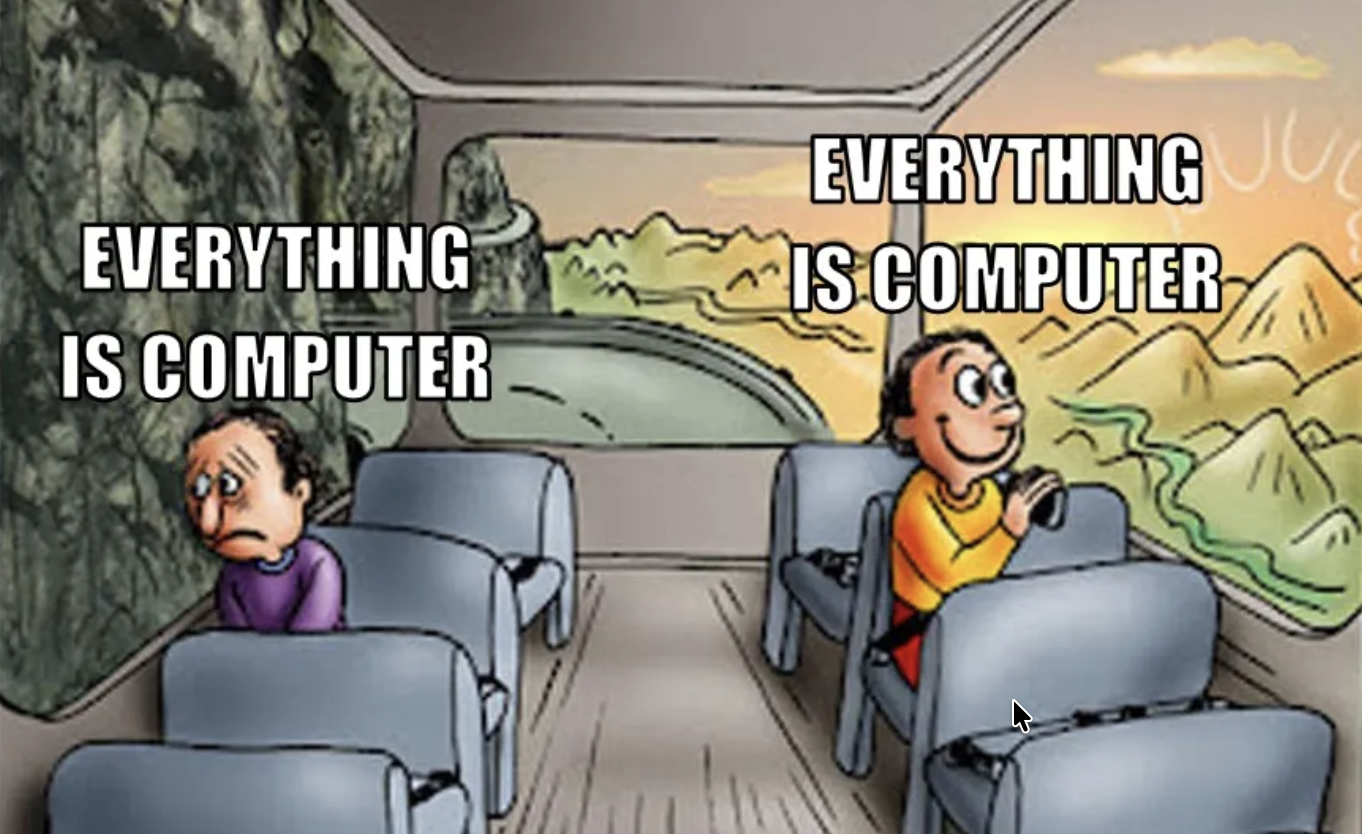
Logistics

See the website: https://emadmasroor.github.io/E21-F26

  • Lectures Tue / Thu SCI 101, may be moved to SCI 199
  • Labs Mon / Thu Singer 221
  • No midterms, no final exam
  • Six tests, ~ every two weeks starting week 4
  • Final Project
Use this for …
Moodle Submit HW, view scores
Gradescope Manage and submit HW
Ed Discussion Ask + Answer questions
Website All Course Content

Circuit Playground Express

• A versatile microcontroller for E21.
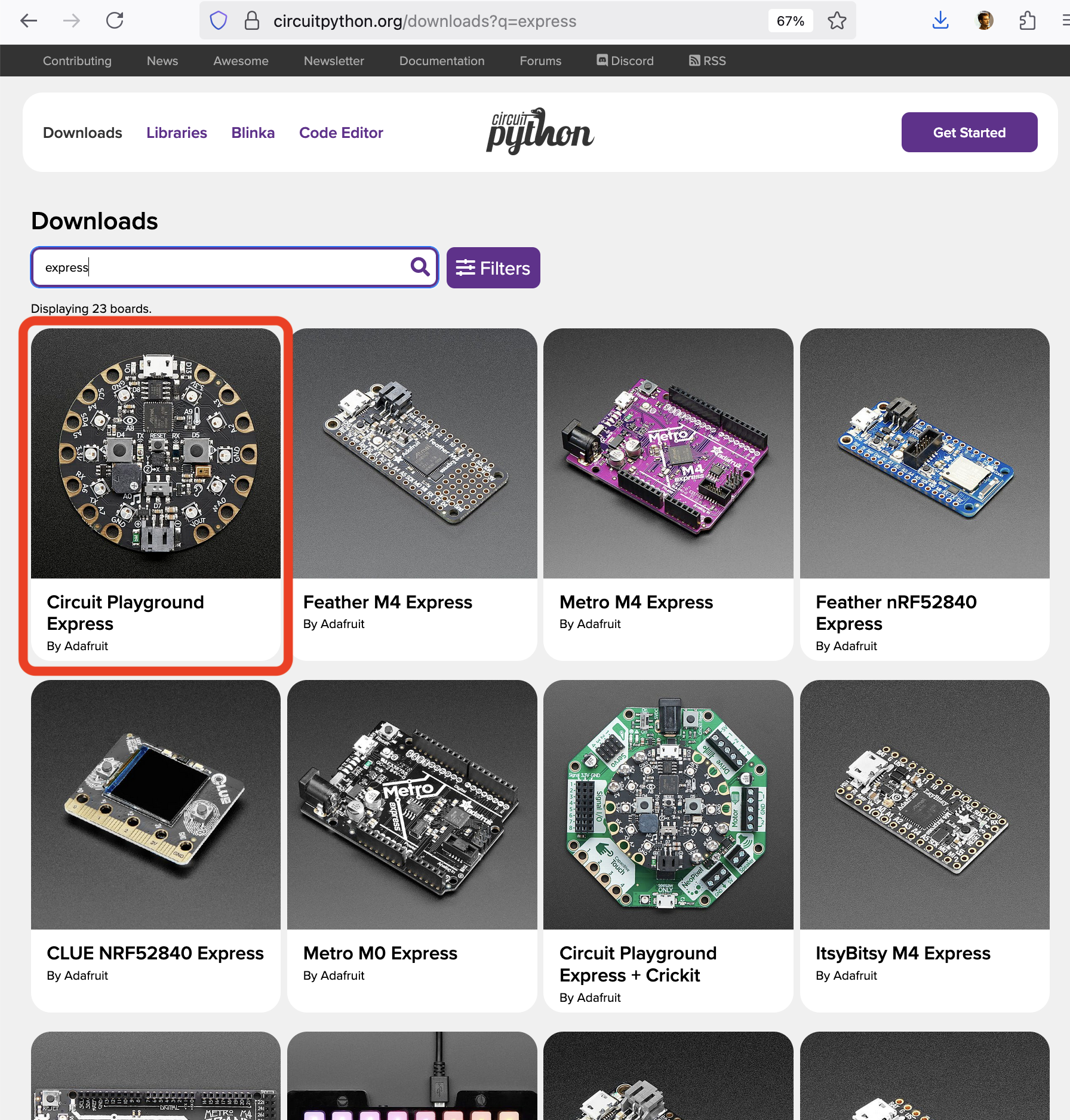
• The device is called ‘Circuit Playground Express’ (CPX)
• The software it runs is called Circuit Python
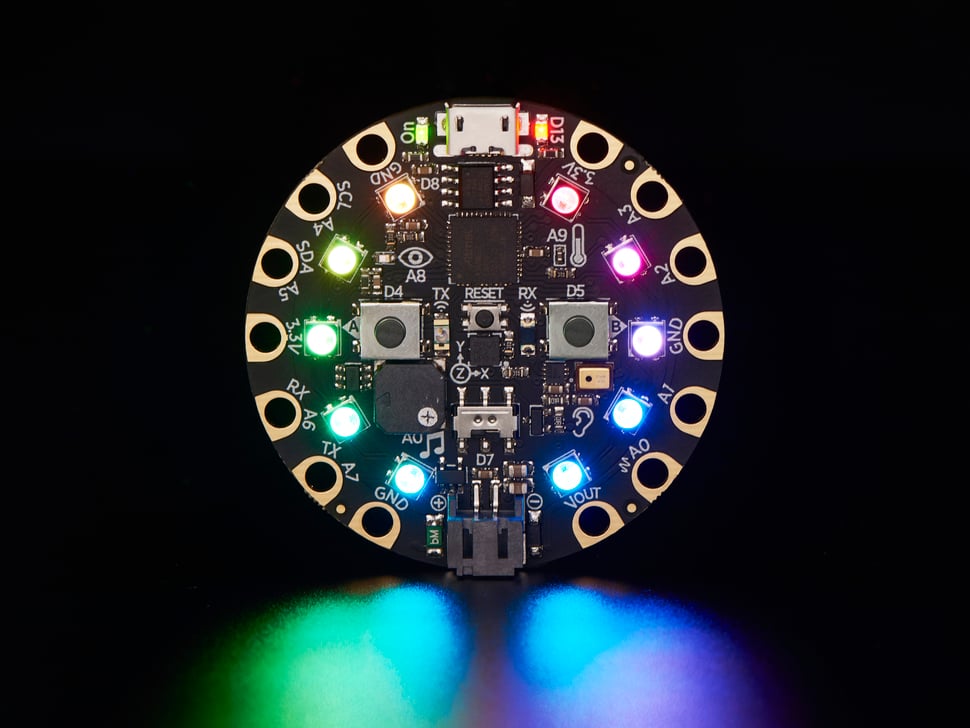
Bring to lecture and lab!

Installation Instructions

  • Don’t download Python yet!
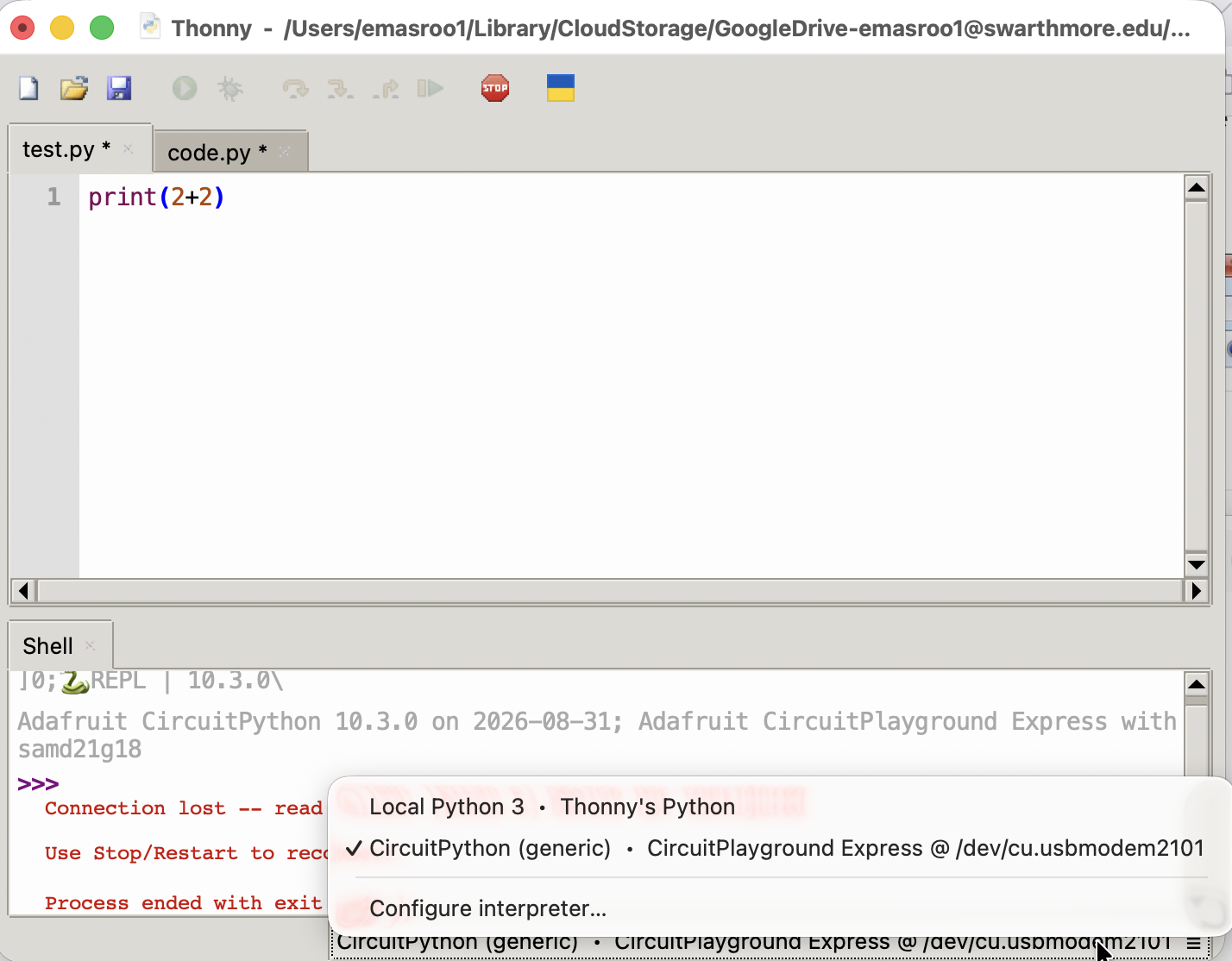
  • Install Thonny Code Editor on your computer
  • Download and install Circuit Python on your Circuit Playground Express using instructions here.
  1. Download .UF2 file for CPX
  2. Double-tap RESET button while CPX is plugged in
  3. Drag and drop .UF2 file onto CPLAYBOOT drive
  4. If you now see CIRCUITPY as an external drive instead of CPLAYBOOT, you are done!

Integrated Development Environment (IDE)

  • A ‘development environment’ is the program (or programs) you use to write code.
  • It’s possible to simply use Notepad as your Development Environment, but that’s kinda lame
  • Some options
    • VS Code (v. popular among Swat students)
    • A simple text editor with syntax highlighting (e.g. Sublime Text)
    • Thonny, Mu, other ‘lightweight IDEs’
    • IDLE (official Python IDE)

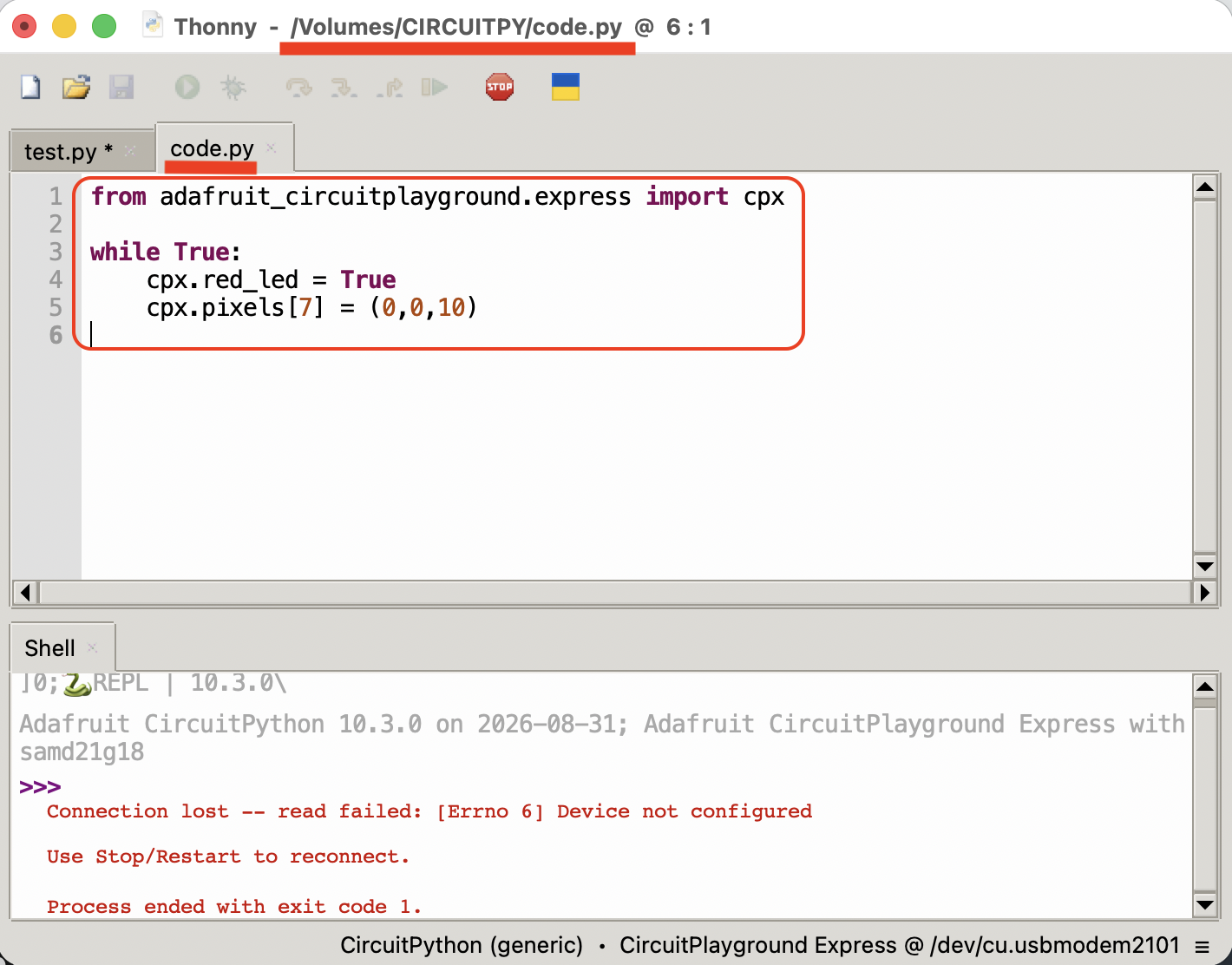
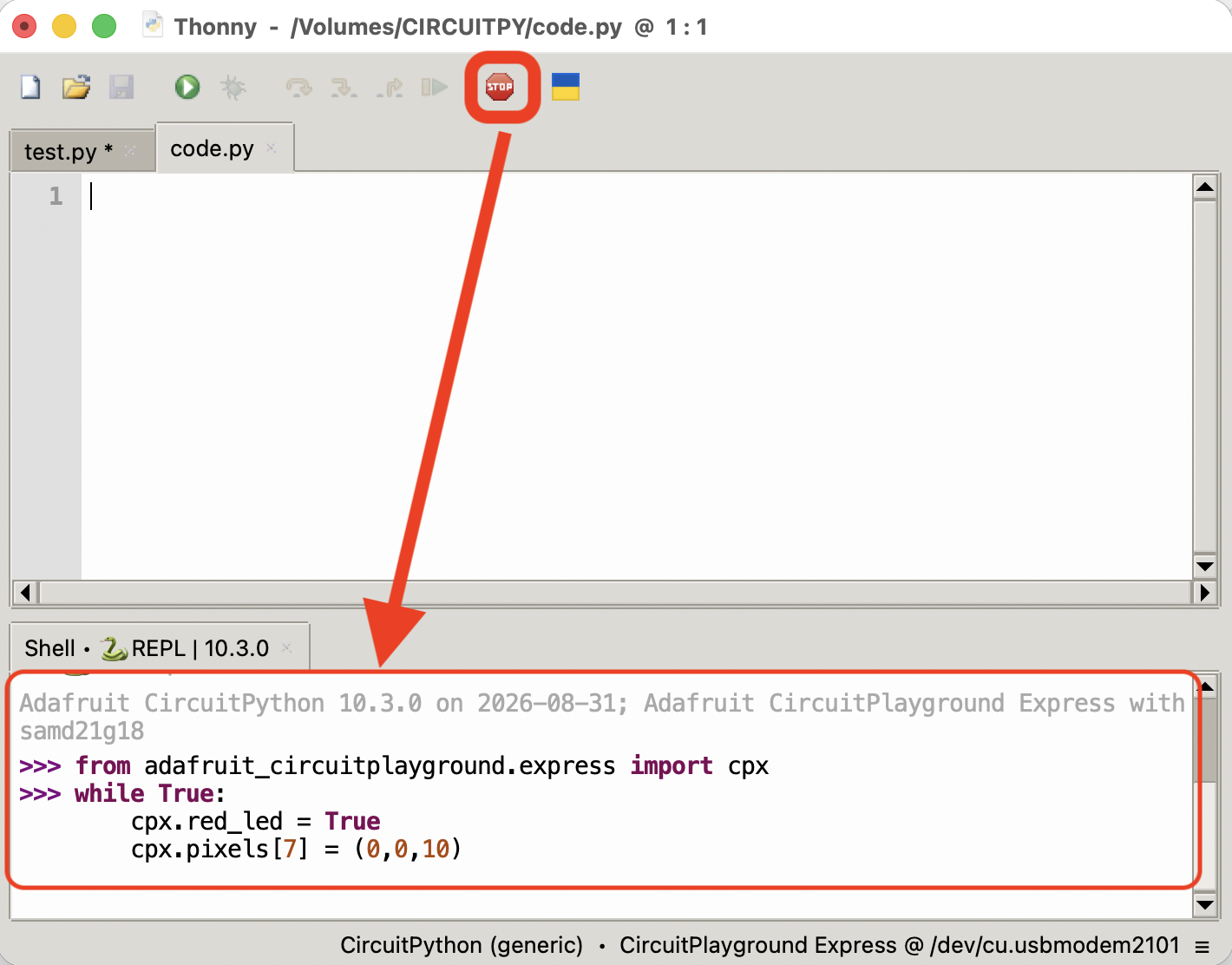
Two ways to run code on your board

Editing code.py on board the file

Click ‘Stop’ and code interactively
  • Once you’re sure what you want to code
  • Thoughtful, long-form coding
  • Runs if and when you save code.py
  • Persistent
  • Trying things out
  • Instant feedback if works
  • Runs when you hit enter
  • No memory